

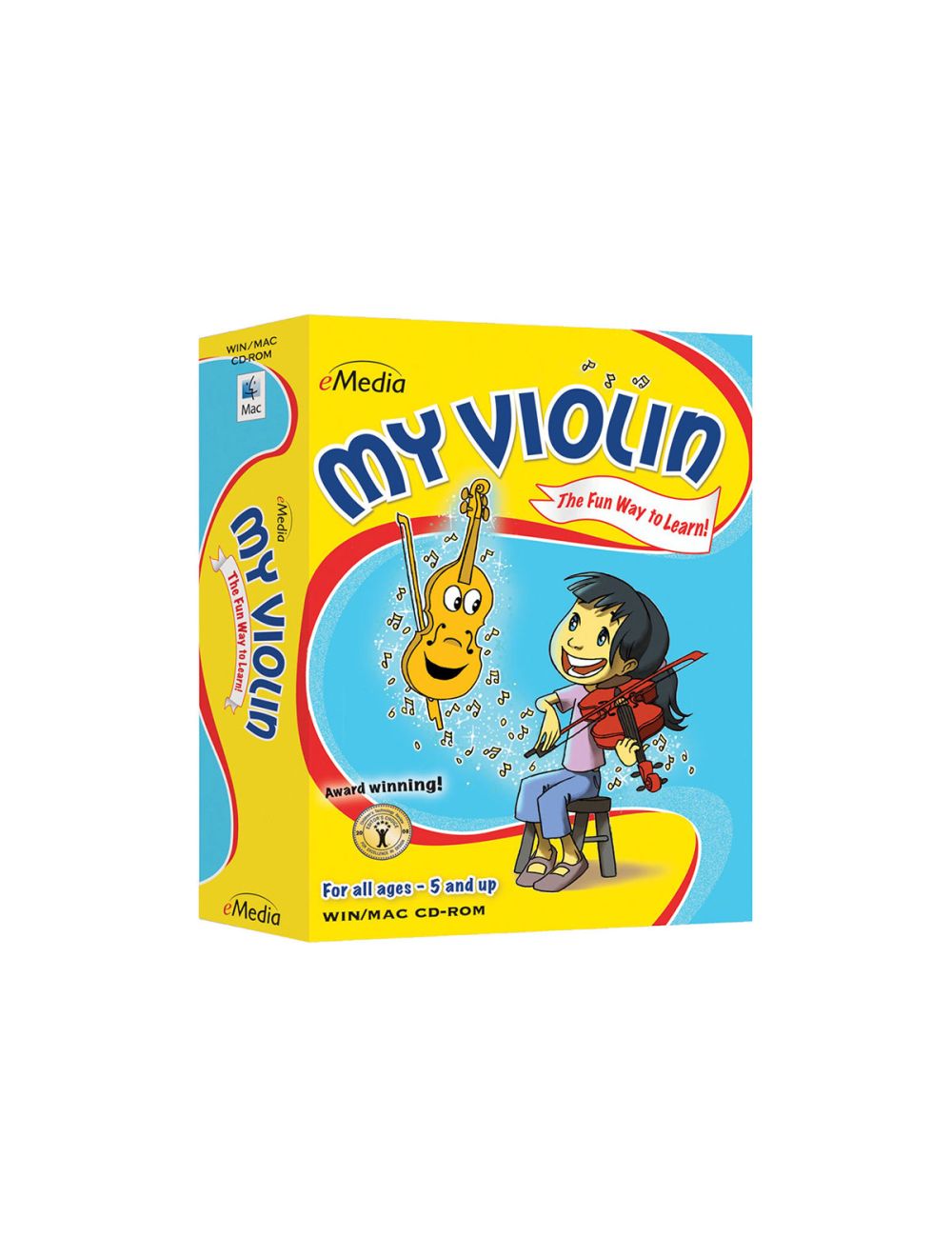
My Violin provides over 160 violin lessons for kids or anyone young at heart! It features the animated character Val the Violin and instruction from professional violinist Sabina Skalar, M.M., who has played with the New York City Ballet. My Violin teaches children how to play violin with proper fingering and bowing technique; plus, they’ll learn the basics of music, including how to read music notation and play easy violin songs.
Violin lessons can help encourage a child’s confidence, self-discipline, and creativity. Research has shown that children who play music do better in school and make friends more easily.
Kids or adults learn violin easier and faster with the interactive technology in eMedia’s violin software. The Finger Tracker listens to the violin being played and shows whether fingers are placed correctly. The Animated Fingerboard shows proper fingerings as the music is being played. Interactive music games keep learning fun and engaging.
The Fun Way to Learn
Now it’s easy for anyone ages 5 and up to learn how to play the violin! An animated character named Val the Violin guides students through lessons by New York City Ballet violinist Sabina Skalar. eMedia My Violin guides you through the core elements of violin playing in over 160 lessons. It covers such basics as proper violin, hand and finger position, the elements of correct bowing technique, how to tune the instrument and play rhythmic tunes. Games make learning fun, and students will learn songs that they can share with friends!
Animated Fingerboard
The Animated Fingerboard shows fingerings as the music plays so students can easily follow along. Double-clicking on any note will also show them where to put their fingers.
Animated Finger Tracker
Finger Tracker listens to students as they play and shows whether their fingers are in the right place on the fingerboard. A great tool for helping them learn and remember notes!
Violin Lesson Videos
The lessons are easy to follow with our large-format videos, featuring close-ups that guide students through songs and playing techniques.
Interactive Games
Games help students learn notes and songs by reviewing what they learned in the lessons.
Audio and MIDI Tracks
Audio playback for selected lessons includes violin only, voice only, and full audio including both violin and voice. Play along with tracks that you can speed up or slow down including colorful MIDI accompaniments, metronome tick or the performance track.
Automatic Tuner
Using either the computer’s built-in microphone or an external one, the student can get tuned up quickly and easily with the built-in interactive tuner. Simply line up the arrow with the right string and be in tune!
Metronome
Students can set their own tempo and get audio and/or visual cues for staying on beat so they can play in time with the music.
Digital Recorder
The digital recorder allows students to play into the computer’s built-in microphone (or an external one), record their performance and save it to the computer. This handy tool lets them listen to what they played and share it with their family and friends.
"THIS IS NON-REFUNDABLE SOFTWARE DOWNLOAD! (NOT A PHYSICAL ITEM)"
System Requirements
Macintosh
Windows :
| SKU | XCH-EMD-1097-43 |
|---|---|
| Brand | eMedia |
| Item Returns | Sorry, the item can't be returned |
|---|

Login and Registration Form